
The floor
Every table, and who is at it.
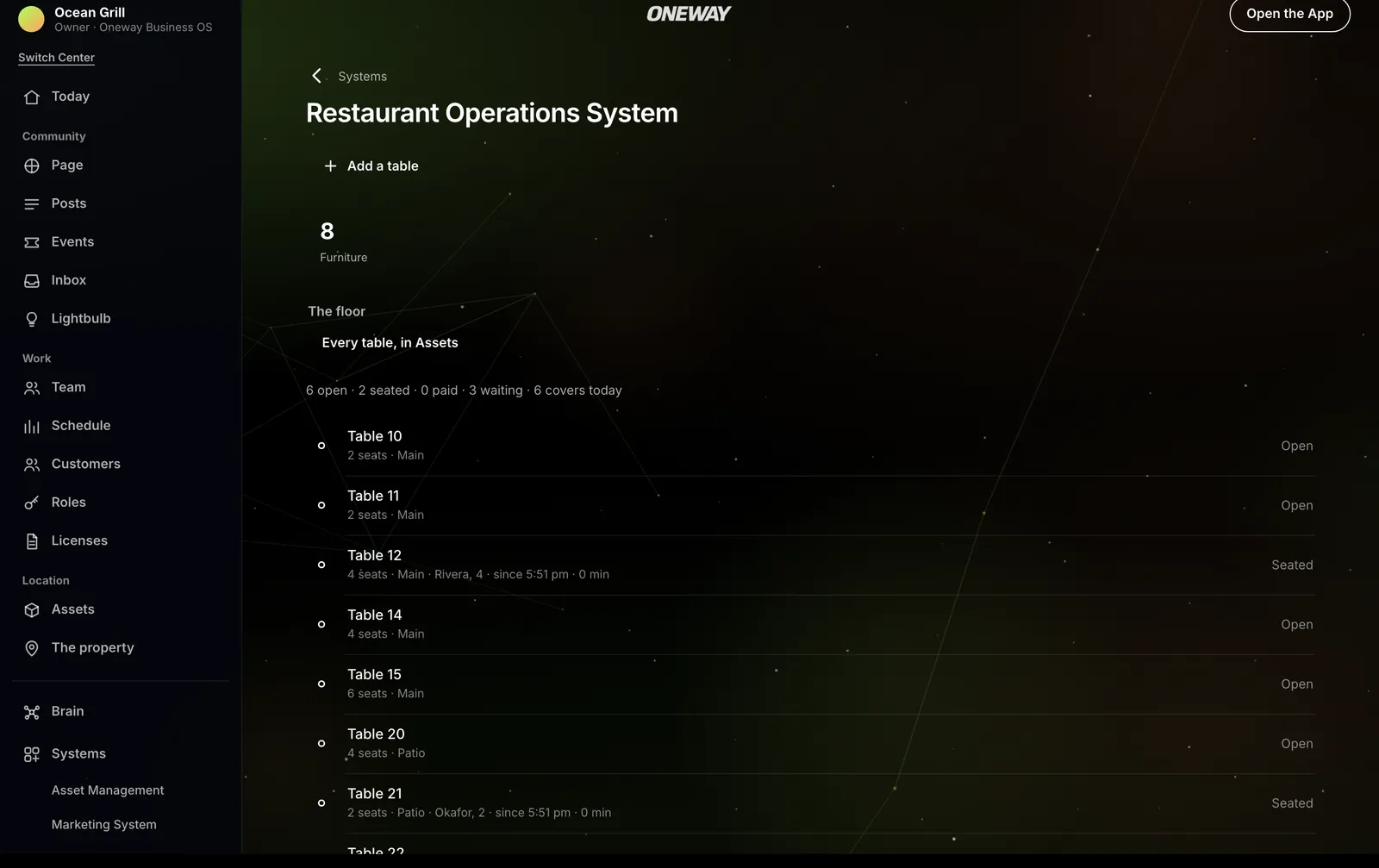
Oneway OS, with sample records.
The host sees each table with its seats and its section, the party at it, and how long they have been there.
Tables and sections
Each table is one of the restaurant's own things: its number, its seats and its section.
Every seating
A walk-in, a party from the waitlist or a booking that has arrived, seated and then cleared for the next party.
Bookings due
The bookings due at your tables over the next twelve hours, each seated in one press.
Turn times
The day's turn times, with its covers and its parties.
The table that fits
For a party waiting, the floor names an open table that seats them and is not held for a booking before they would leave. The host still chooses.
Returning guests
A guest who has let places recognize them is named as returning, at the table and in the line.
System Store: Restaurant Operations, with Reservations for the bookings.
The waitlist
The line, on the guest's phone too.

Oneway OS, with sample records.
Who is waiting, how many, the quote they were given and how long they have waited, and which parties are past their quote.
Join from the App
A guest joins the waitlist from the restaurant's page in the Oneway App and follows their own place in line.
Ready
When the host says a table is ready, a guest who joined from the App is told there at once. Anyone else, the host calls.
The kitchen
The 86 board.
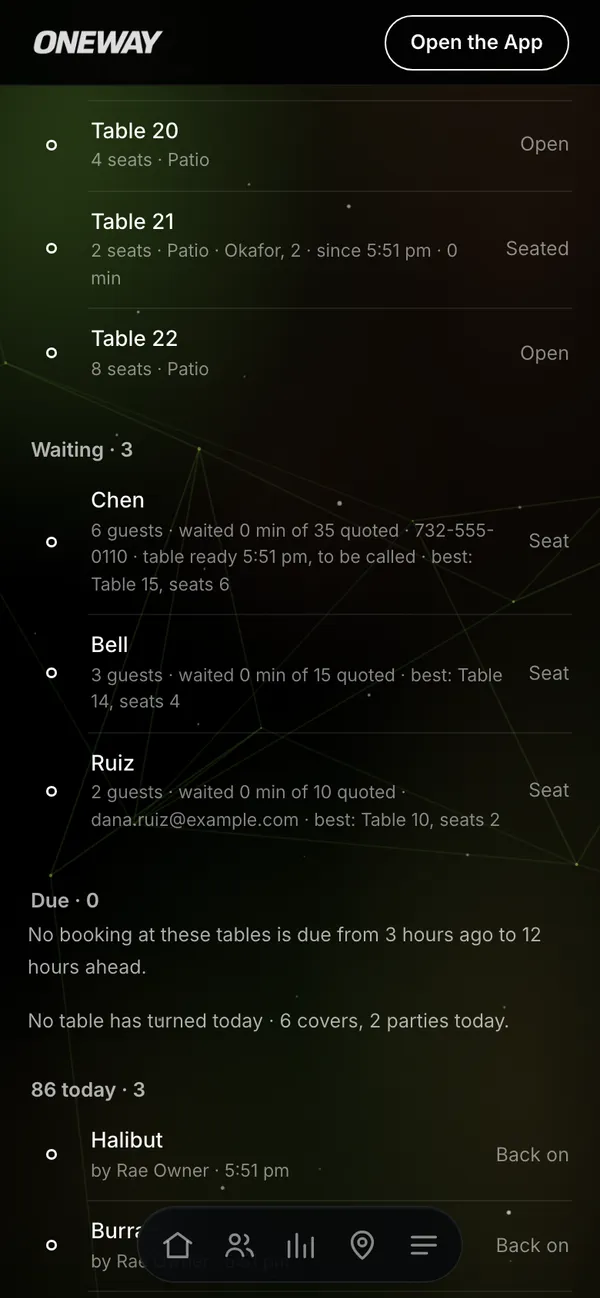
Oneway OS, with sample records.
What the kitchen is out of today, who said so and when, and back on with one press.
Point of sale
Your point of sale stays.
Once it is connected, a check opened or closed at a table shows on the floor. Oneway takes no payment.
Of a closed check, Oneway keeps its totals, and never the tips, the payment or what was ordered.
System Store
Add what the restaurant needs.
A restaurant can start with these five.
Restaurant Operations
The floor, the waitlist and the 86 board.
Reservations
A party books a table from the Oneway App for as many as it seats, and a time already taken says when the table is next free.
Scheduling
Shifts for the floor and the kitchen, flagged when one would leave someone less than eight hours' rest or take their week past 40 hours. Someone who cannot work a shift offers it, and a manager approves whoever takes it.
Maintenance
Repairs on the kitchen's own equipment, and when one piece keeps breaking, its failures read as one incident with what fixed it last time.
Rewards & Membership
A diner's card, opened by their member number, with what they spend on dining posted to it and credits redeemed from it.